...
For a better understanding of user preferences, refer to User Preferences.
Web Viewer 8 Tools and Features
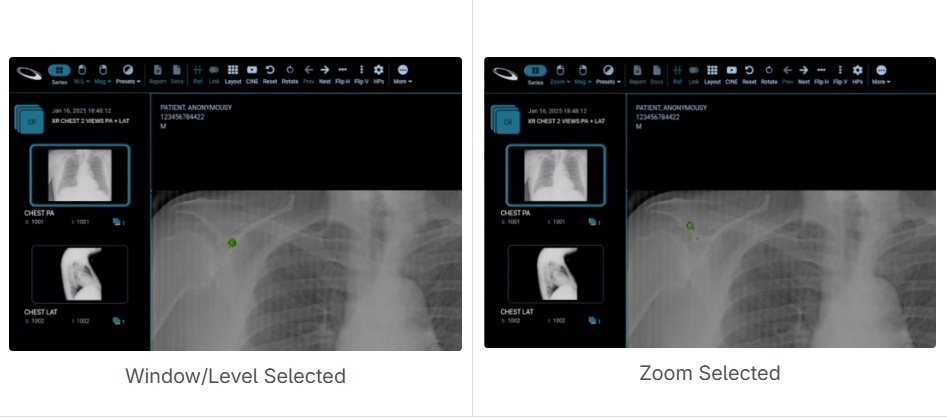
Active Tool Mouse Indicator
The active tool mouse indicator has been replaced with the icon of the selected tool, replacing the default mouse pointer.
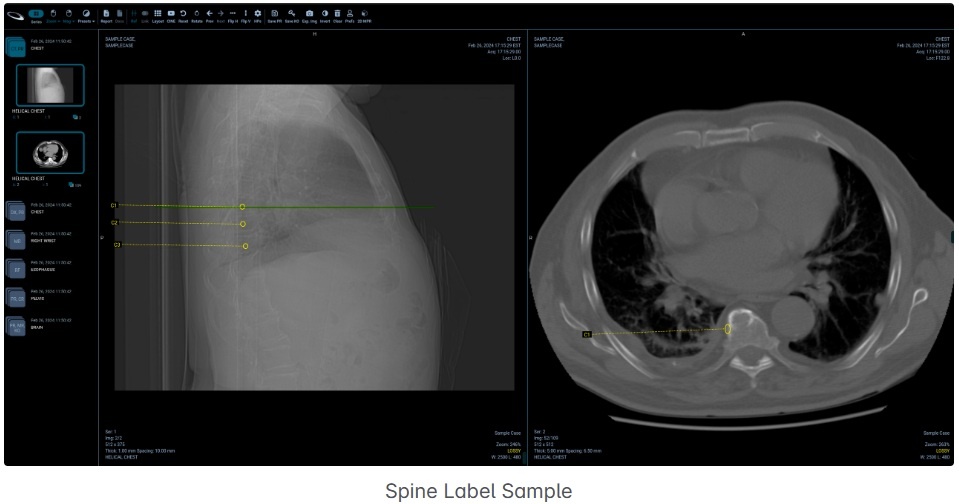
Spine Label Tool
The Spine Label Tool is an annotation feature that allows users to identify and label spine levels or segments effortlessly through a predefined context menu.
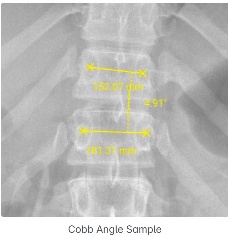
Cobb Angle Tool
The Cobb Angle Tool is a specialized measurement feature that allows users to draw lines and instantly calculate the Cobb angles at their intersections.
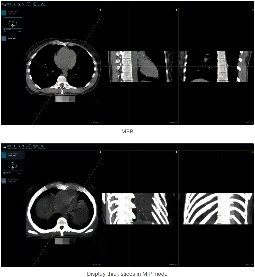
Multiplanar Reconstruction - MPR

The MPR Tool allows users to reformat tomographic image stacks into different planes, such as axial, coronal, and sagittal.
Multi-Monitor Support
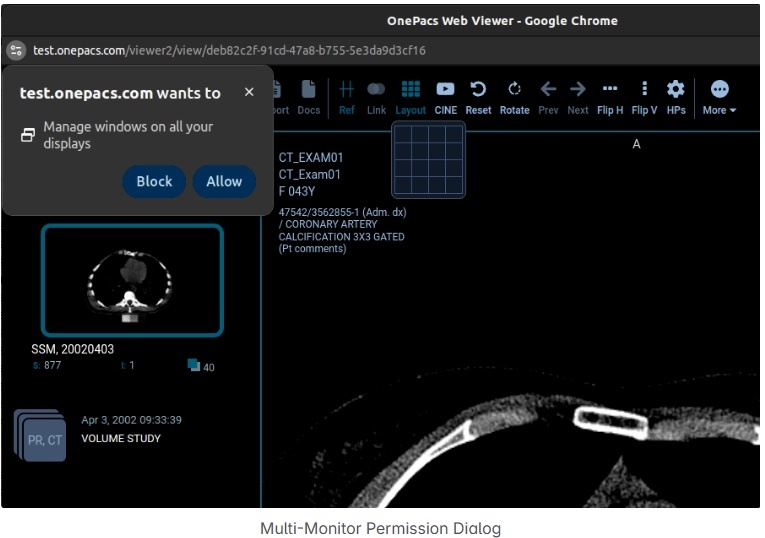
The viewer shall be able to utilize multiple monitors and span the workspace across them. This feature is supported only in Chrome.
Permission to “Manage windows across all your displays” must be granted to enable this feature.
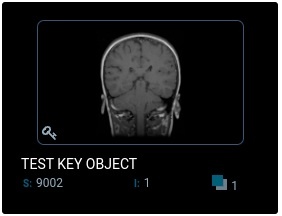
Create/Display DICOM Key Objects

Display key images from DICOM Key Object (KO) series that are shown with a thumbnail and key indicator in the series panel.
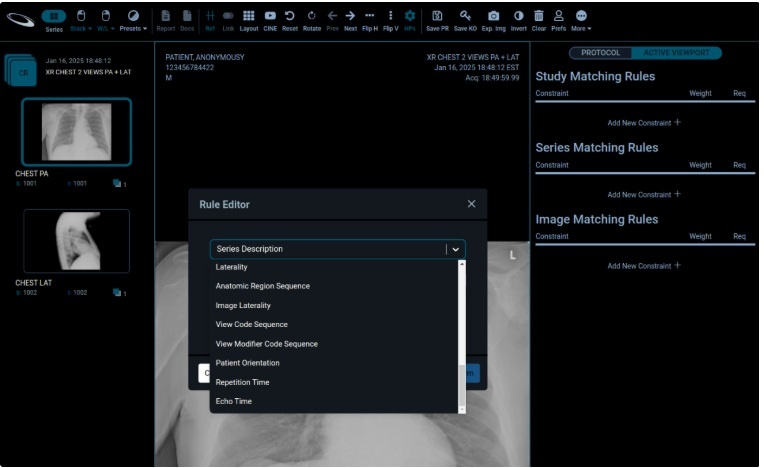
Hanging Protocol Enhancements
Additional Hanging Protocol attributes have been added to the rules configuration to enable more advanced Hanging Protocols.